

Blogs
📋 Table of Contents
RFID Cards for Employees: 6-Step Setup Guide | IVYPrints
20 Oct, 2026
Employee security now starts at the door, and RFID smart cards have become the standard way offices control access, track attendance and verify identity. A badge that once only carried a photo can now open doors, log working hours and lock out a former employee in seconds.
But a weak setup creates new risks: the wrong card frequency can be cloned, and loose permissions defeat the purpose. This guide walks HR, admin and security teams through choosing, setting up and maintaining RFID cards for employees, step by step.
What Is an RFID Smart Card?
An RFID smart card is a contactless ID card with a tiny chip and antenna inside that exchanges data with a reader using radio waves. RFID stands for Radio Frequency Identification. Because the card only needs to be held near the reader, it enables fast, touch-free access and secure data storage, which is why it is now a popular format for employee ID cards.
For a deeper look at the technology, read our RFID Technology Guide: What It Is and How It Works.
How Does an RFID Card Work?
An RFID card system works in four quick stages:
- The RFID reader sends out an electromagnetic signal.
- The card's antenna picks up this signal, which powers the chip.
- The card sends its stored ID data back to the reader.
- The reader passes the data to the backend software, which verifies it and then grants access, records attendance or logs the entry.
The whole exchange takes a fraction of a second. Our simple explainer on how RFID and NFC cards work covers this in more detail.
Why Businesses Are Switching to RFID Smart Cards
Companies are moving from keys, PIN pads and plain photo badges to RFID because it offers:
- Stronger workplace security: lost or stolen cards can be deactivated instantly from one dashboard.
- Faster, contactless entry: no keys to carry and no PINs to remember or share.
- Accurate attendance tracking: every tap is time-stamped, which reduces buddy punching and manual errors.
- Centralised management: HR and security control every door and every permission from one system.
- Easy scaling: new employees, branches and access zones can be added without changing locks.
This is part of a wider shift in how employee ID cards improve security and professionalism in workplaces.
Step-by-Step Guide to Setting Up RFID Smart Cards for Your Business
Step 1: Select the Right RFID Card Technology
Start with your security needs, because the card frequency decides how safe and how flexible your system will be.
|
Card type |
Frequency |
Typical read range |
Security level |
Best for |
|---|---|---|---|---|
|
Low frequency (LF) proximity card |
125 kHz |
Up to about 10 cm |
Low: no encryption, easy to clone |
Basic door access on a tight budget |
|
High frequency (HF) MIFARE DESFire card |
13.56 MHz |
Up to about 10 cm |
High: AES encryption |
Offices, encrypted data, multi-use cards (access, attendance, canteen) |
|
NFC-enabled card |
13.56 MHz |
A few cm |
Medium to high, depends on chip |
Smartphone compatibility and hybrid access |
|
UHF card |
860 to 960 MHz |
Several metres |
Medium |
Vehicle gates, parking and hands-free entry |
Our recommendation: for most modern workplaces, MIFARE DESFire (13.56 MHz) cards give the best balance of encryption strength, durability and flexibility. That makes them the top choice for enterprises. Avoid older MIFARE Classic chips for sensitive areas, as their encryption is known to be weak.
IVYPrints supplies each of these card types: RFID cards, NFC cards and UHF cards. If you are also evaluating government-grade chip cards, see our comparison of SCOSTA Card vs RFID Card.
Step 2: Install the Right Hardware
A reliable RFID access control setup needs four hardware pieces:
- RFID readers at main entry points, server rooms, stores and other restricted areas.
- Access control panels that connect the readers to your network and door locks.
- A card printer or encoder for issuing cards in-house to new joiners or in emergencies. For bulk issuance, a professional printing partner is faster and cheaper.
- Management software, cloud or on-premise, to control permissions centrally.
Make sure the readers and the cards use the same frequency and chip family. A 125 kHz reader cannot read a 13.56 MHz card.
Step 3: Choose Employee Access Control Software
The software is what turns a plain card into a workforce management tool. Look for a platform that lets you:
- Assign role-based access levels by department or designation.
- Set time-restricted entry, for example no after-hours warehouse access.
- End access automatically when an employee leaves.
- Generate real-time attendance and audit reports.
- Integrate with your HR or payroll system.
Well-known platforms include HID Global, Genetec, Kisi and LenelS2, and many businesses now prefer cloud-based (SaaS) access control because it is easier to update and manage across locations.
Step 4: Enroll Employees Efficiently
A smooth enrollment keeps day one simple for HR and for new joiners. For every employee:
- Add their details (name, employee code, department, designation) to the access system.
- Link a card with a unique RFID chip ID to that record.
- Assign access permissions according to their role.
- Print a photo ID on the card face for visual verification by guards and colleagues.
- Test the card on a live reader before handing it over.
Good card design matters here too. See our tips on mistakes to avoid when designing custom employee ID cards, and pair each card with a durable ID card holder and a branded lanyard so the chip is protected from bending and cracks.
Step 5: Establish Clear Usage Policies
Technology only works when people follow the rules. Train every employee on:
- Correct badge-in and badge-out procedure, with no tailgating.
- How attendance is recorded from card taps.
- Reporting lost or stolen cards immediately.
- Card replacement and temporary access procedures.
Keep the policy short and include it in your onboarding pack.
Step 6: Monitor, Audit and Maintain
An RFID system stays secure only if it is looked after. Make these routine tasks:
- Review access logs regularly for unusual activity.
- Deactivate cards on the employee's last working day.
- Rotate encryption keys periodically.
- Keep reader and controller firmware up to date.
Common RFID Card Mistakes to Avoid
- Using 125 kHz cards in high-security zones. These cards carry no encryption and can be cloned in seconds, so use encrypted 13.56 MHz cards for sensitive areas.
- Granting excessive access. Give each employee only the doors and zones their role needs.
- Skipping a visitor badge process. Issue separate visitor ID cards with limited, time-bound access instead of lending staff cards.
- Not syncing with HR software. Without integration, ex-employees may keep active cards because offboarding is manual.
Planning a large rollout? These 5 mistakes to avoid when ordering ID cards in bulk will save you time and reprints.
Get Employee RFID Cards from IVYPrints
Finding a reliable RFID card supplier is often the hardest part of the rollout. IVYPrints is a Jaipur-based B2B ID card manufacturer that prints and supplies smart cards for offices, schools, universities and events across India.
What you get with IVYPrints employee RFID cards:
- Full smart card range: 125 kHz and 13.56 MHz RFID cards, NFC cards, UHF cards and SCOSTA cards.
- Compatibility: cards work with standard RFID readers and access control systems.
- Encoding support: cards can be encoded to your requirements before dispatch.
- Custom printing: photo, name, employee code, logo, QR code and barcode on high-grade PVC.
- Complete ID kits: matching lanyards, holders and accessories in one order.
- Pan-India delivery: bulk orders start from 300 smart cards, with fast dispatch from Jaipur.
Conclusion
RFID smart cards bring access control, attendance and identity verification onto one card, with far less manual work than keys or registers. The results depend on the setup: choose encrypted 13.56 MHz cards, link them to good software, enroll staff carefully and audit the system regularly.
Ready to switch? Contact IVYPrints for custom employee RFID cards with your branding, encoding and delivery anywhere in India.
Frequently Asked Questions
Which RFID card is best for employees?
For most offices, a 13.56 MHz MIFARE DESFire card is the best choice. It supports AES encryption, resists cloning and can handle access, attendance and canteen payments on one card.
What is the difference between 125 kHz and 13.56 MHz RFID cards?
125 kHz cards only store a fixed ID number with no encryption, so they are cheaper but easy to copy. 13.56 MHz cards store more data, support encryption and work with NFC, making them far more secure.
Can employee RFID cards be cloned?
Yes, 125 kHz proximity cards and older MIFARE Classic cards can be cloned with low-cost tools. Encrypted cards such as MIFARE DESFire are much harder to copy, which is why they are recommended for secure areas.
Can one RFID card be used for both access control and attendance?
Yes. The same card tap can open the door and record attendance, as long as the access control software logs entries or integrates with your attendance or HR system.
How long does it take to set up RFID cards for employees?
A small office can usually install readers and software within a few days. Card printing and encoding for bulk orders typically takes about a week, depending on quantity and design approvals.
What should be printed on an employee RFID card?
Include the employee photo, full name, employee code, department or designation, company logo and an emergency contact or return address. A QR code or barcode can be added for backup verification.
What is the minimum order for RFID cards at IVYPrints?
Smart card orders at IVYPrints start from 300 cards, with encoding support and delivery across India.
✍️ Anushuya Sharma
Anushuya Sharma is a dedicated content writer passionate about crafting compelling narratives that resonate with...
Show More📞 Get In Touch
Have questions? We'd love to hear from you!
✍️ Anushuya Sharma
Anushuya Sharma is a dedicated content writer passionate about crafting compelling narratives that resonate with...
Show More📞 Get In Touch
Have questions? We'd love to hear from you!
Related Blogs
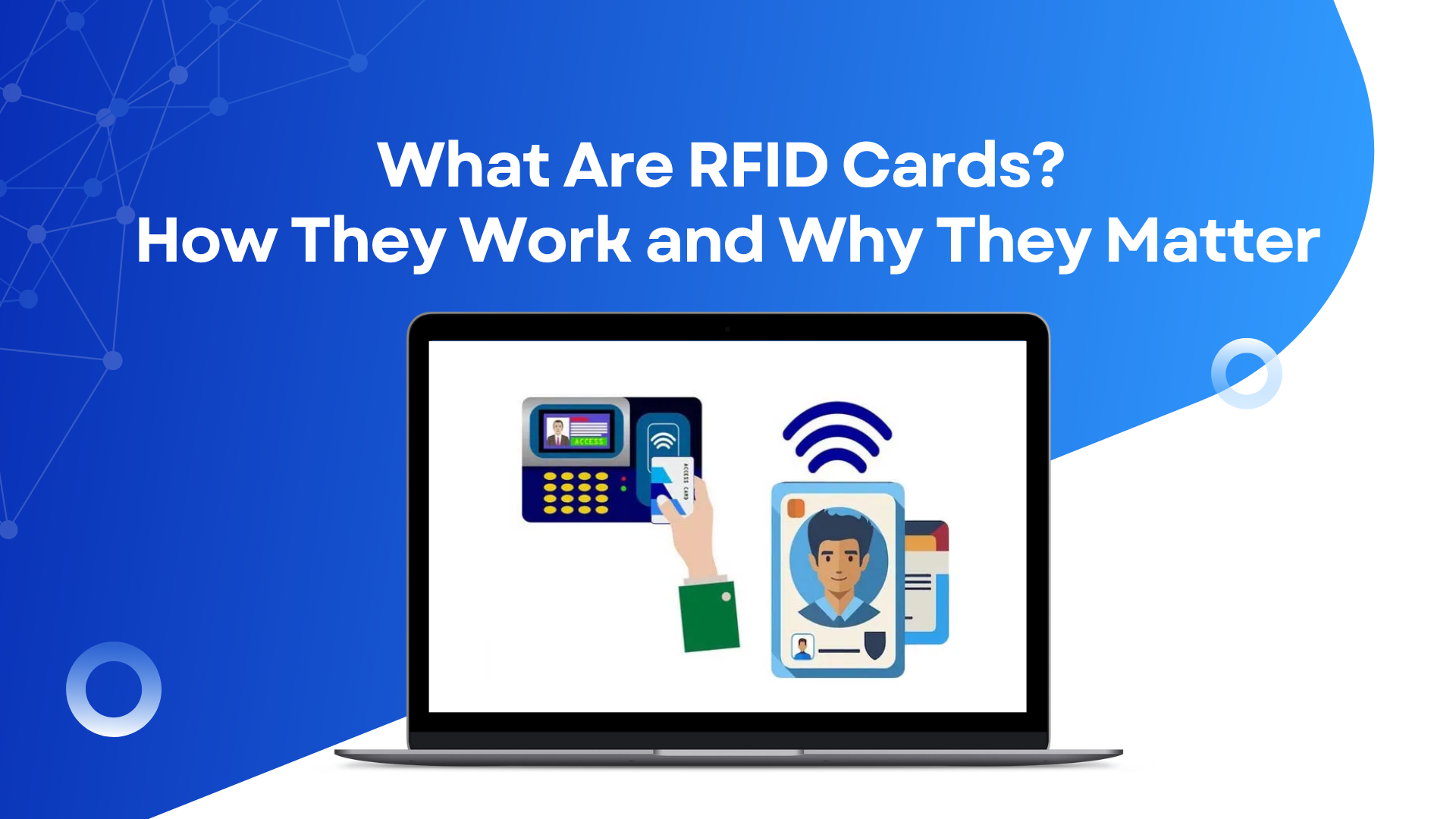
What Are RFID Cards? How They Work and Why They Matter
RFID cards offer fast, secure, and contactless solutions for access, payments, transport, and more in today’s digital world.

Unlocking Access: How RFID Cards Elevate Security in a Connected World
In today's digital age, security is paramount. From protecting confidential data to ensuring seamless access control, modern organizations require innovative solutions. One such advancement is the rise of RFID (Radio Frequency Identification) cards, revolutionizing security paradigms across various industries.

Enhancing Workplace Security with Biometric ID Cards
In an era where the protection of sensitive information is paramount, businesses are constantly seeking innovative solutions to enhance workplace security. One such technology that has gained prominence is the use of Biometric ID Cards. These cards, coupled with advanced features like PVC ID Card Printing in Jaipur and Online services, RFID Card Printing Services, and Custom ID Card Printing Services, are revolutionizing the way organizations safeguard their premises and confidential data.